Mobile app for field teams
The tool tracking app your crew will actually use.
Built for jobsite reality — gloves, glare, and no time for data entry. Scan, tap, transfer in seconds.
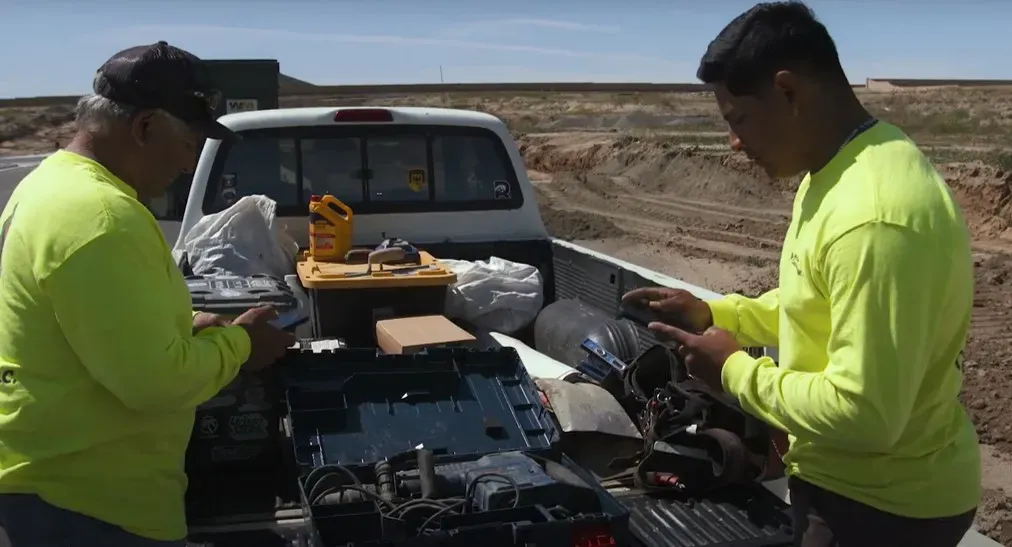
Add a tool in
30 Seconds
Lost tools
<1%
Hours wasted searching for tools
0
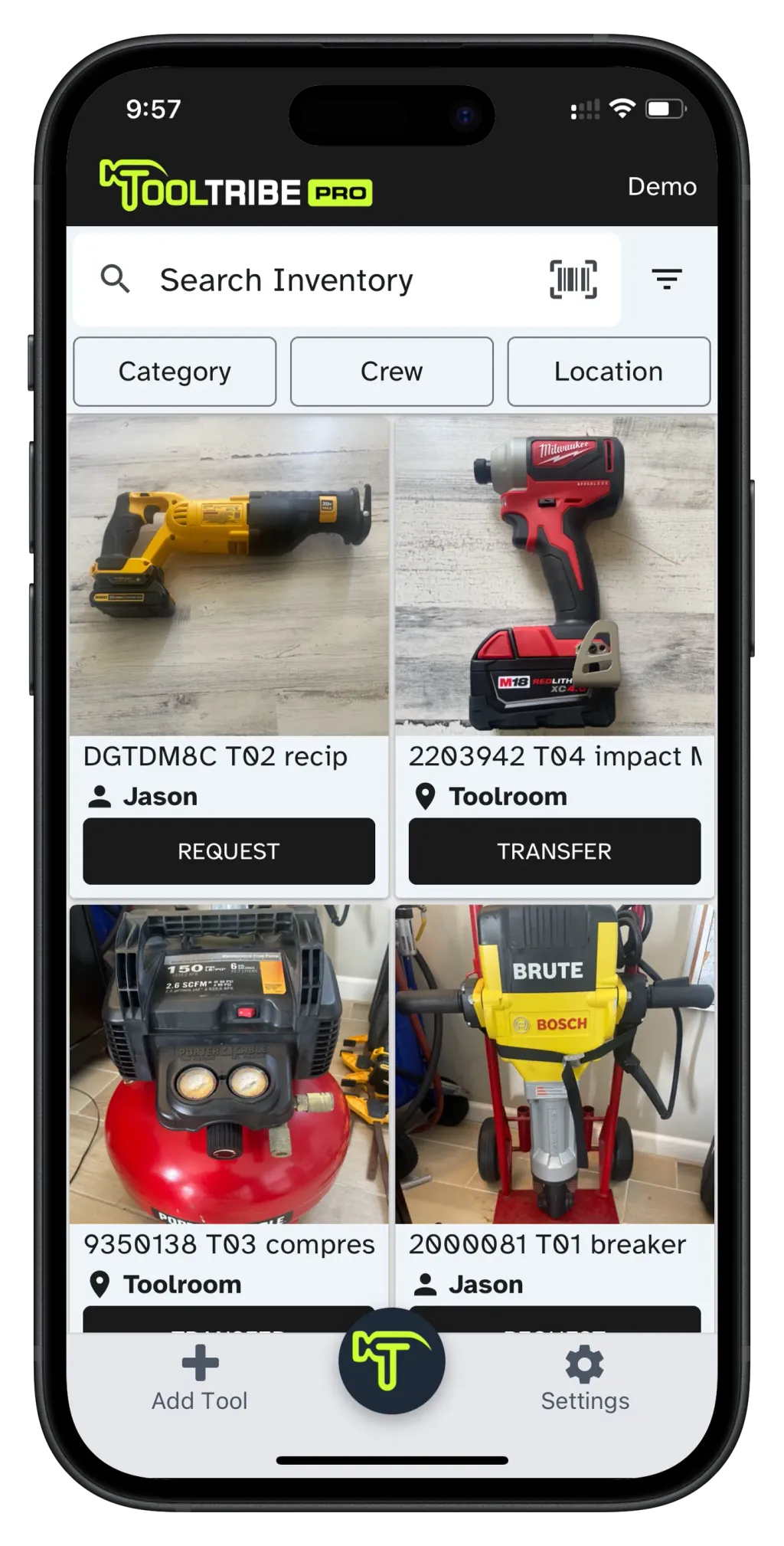
Browse, scan, transfer
- View actual inventory photos so crews know exactly what they are requesting or receiving.
- Search and filter to find any tool fast
- Scan a QR code or serial number to pull up a tool
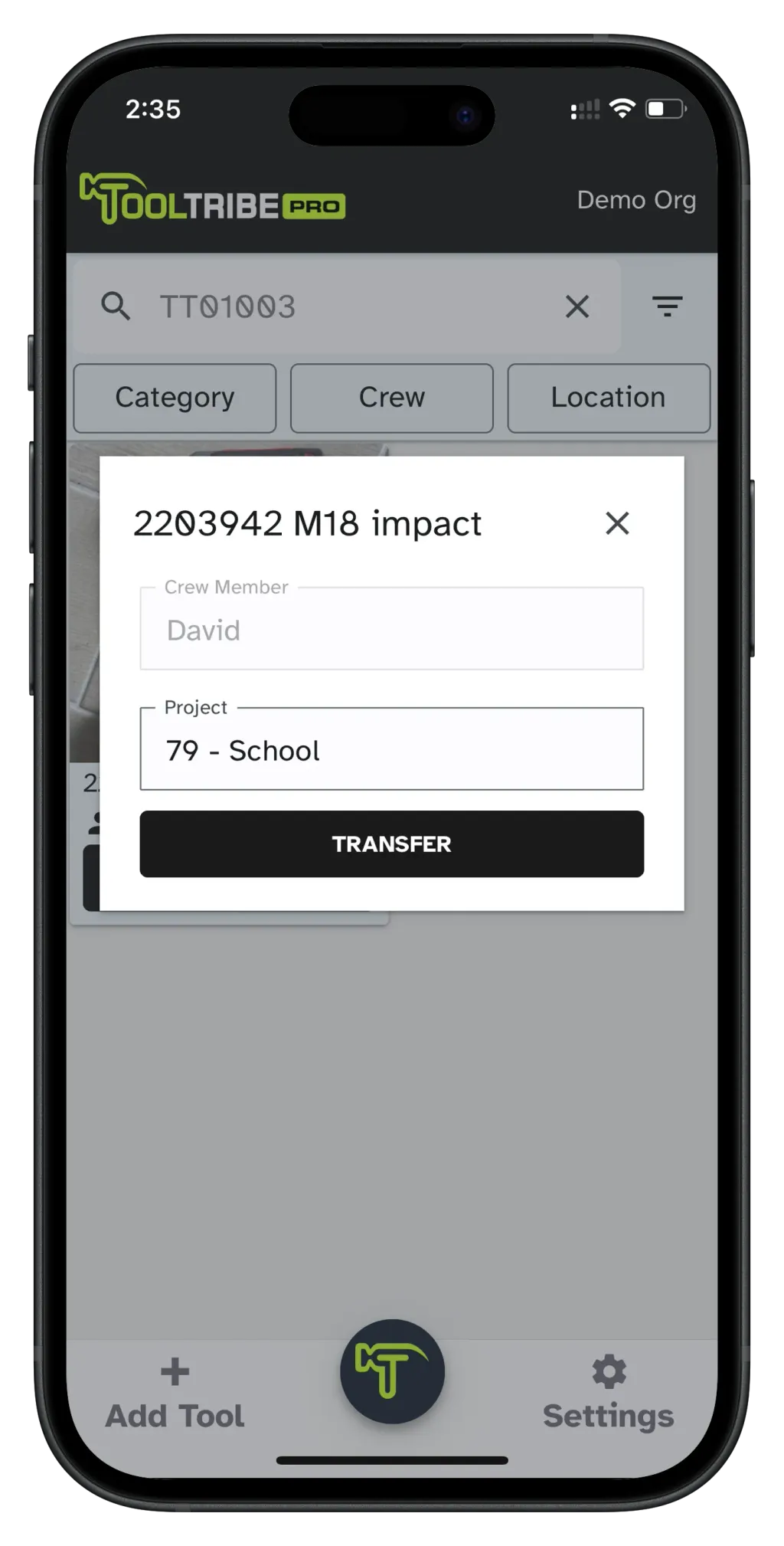
Scan and Go
- One-person transfers — no confirmation required
- Scan the tool to accept or transfer
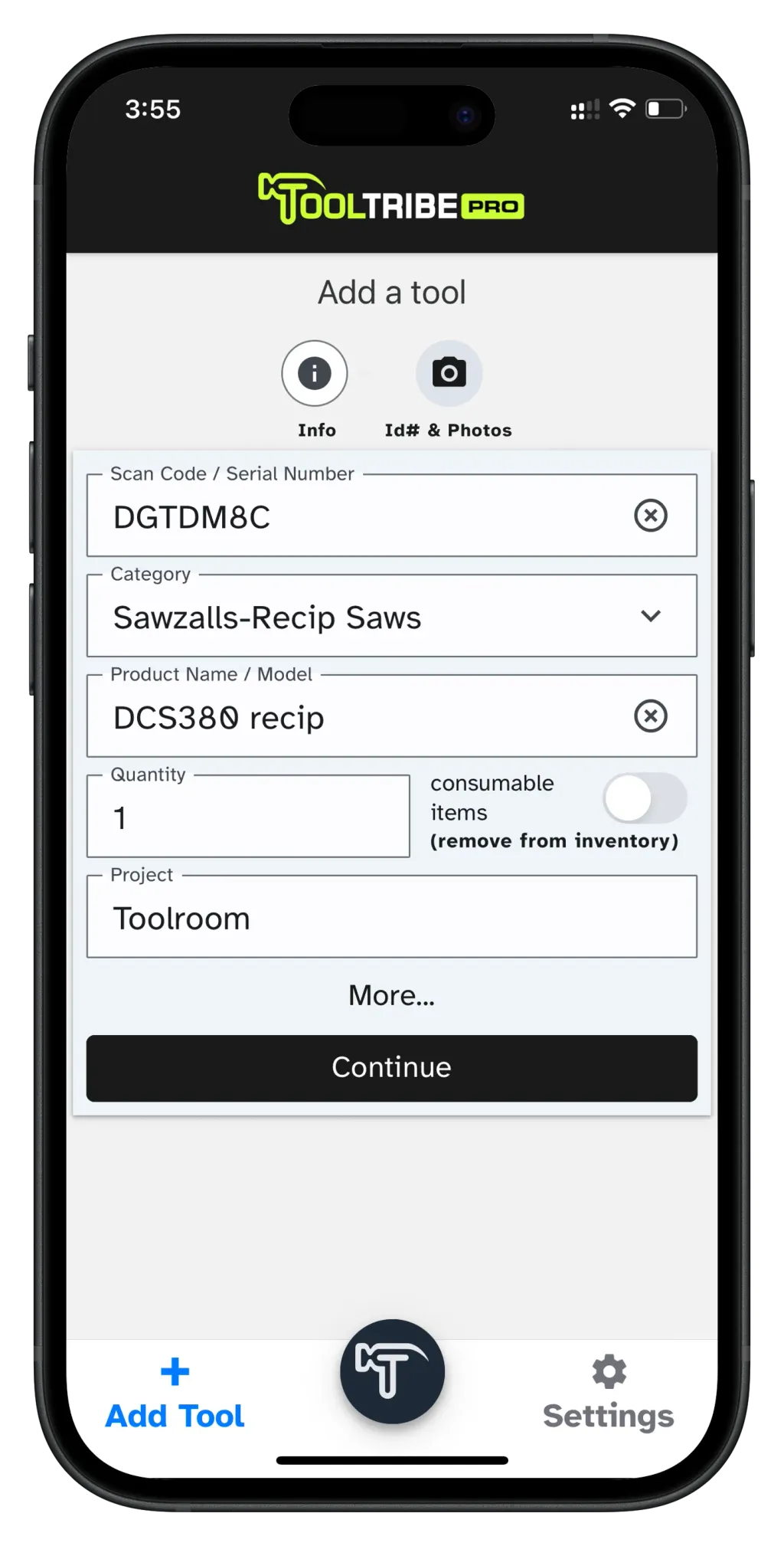
Add a tool in 30 seconds
- Scan any code or serial number, select a category, name the tool and snap a photo
How it works
- 1
Scan QR Code or Serial Number
- 2
Tap transfer
- 3
Transfer complete — tool is now assigned
“It's user friendly, a nice way to keep track of tools in the field. We are able to know when our field guys share tools, which really helps.”
Paul
Yard Manager
Frequently asked questions
- What platforms does the TOOLTRIBE mobile app run on?
- The TOOLTRIBE Pro app runs on iOS and Android phones and tablets, and pairs with a browser-based web admin for office and finance teams. Field crews use the mobile app; ops, PMs, and accounting use the web admin.
- How do field crews check out a tool?
- A crew member scans the tool’s QR code or serial number and taps to accept it — two clicks, and one person can complete the transfer alone. TOOLTRIBE then records who holds the tool, where it is, and its condition.
- Will crews who are not comfortable with technology actually use it?
- TOOLTRIBE replaces typing with scanning and photos, and crews browse a visual inventory the way they would a catalog. We built it to replace spreadsheets and Bluetooth tags for busy, non-technical field teams.